Content Tagged: Tutorials
Browse all content associated with this tag.
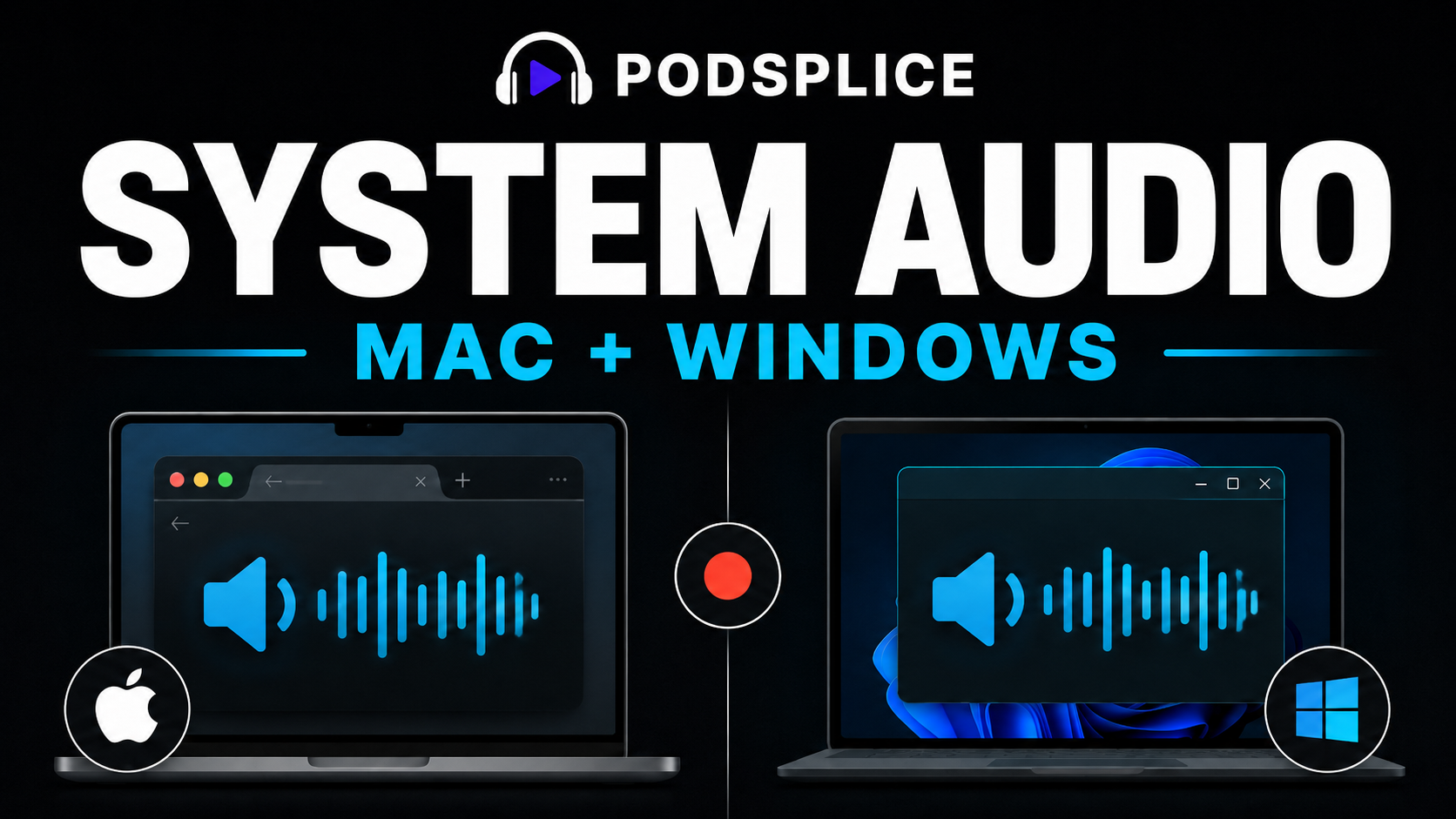
Podsplice lets you record your screen, webcam, microphone, and computer audio at the same time. This is useful when you want to record: YouTube videos Website demonstrations Tutorials Reaction videos Screen-share videos Faceless videos Presentations with audio
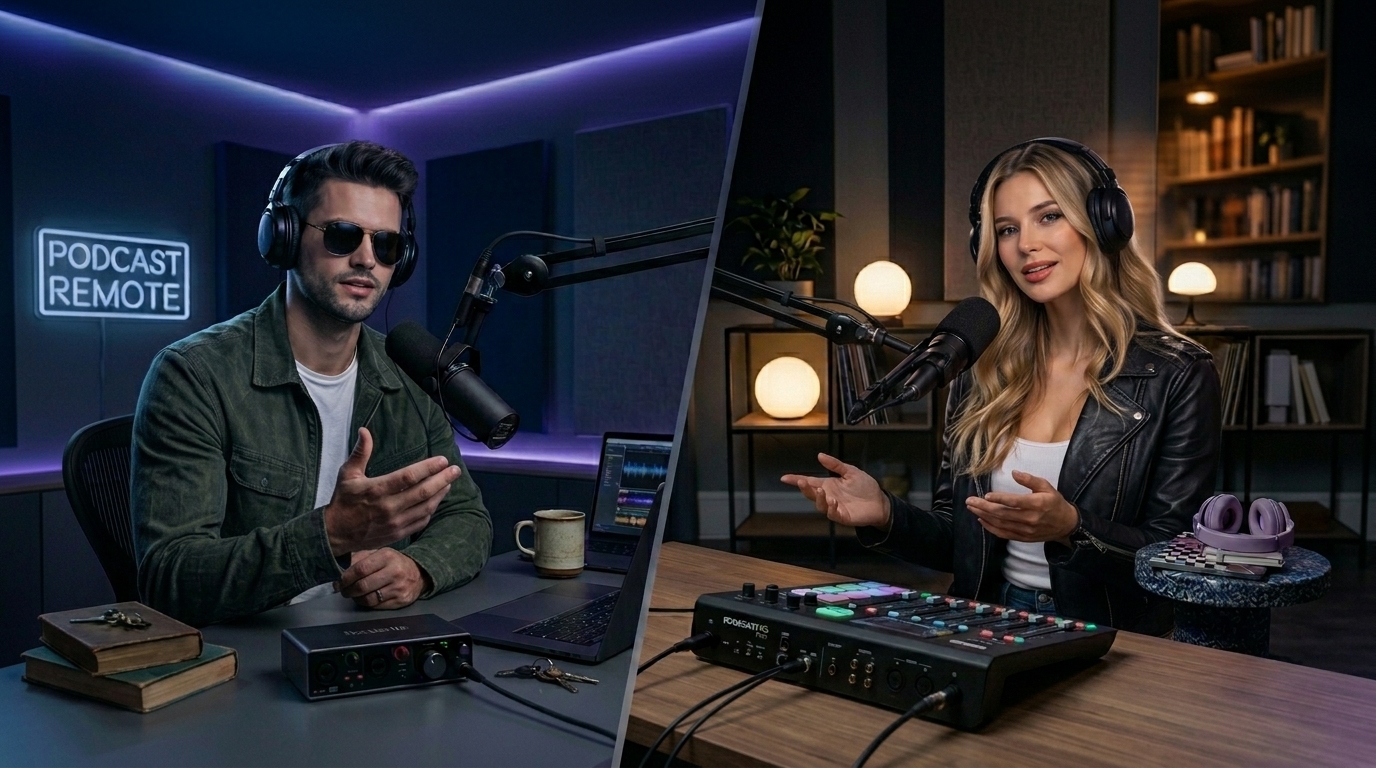
Achieve studio-grade audio and frame-perfect 4K video by recording guests locally using the double-ender method.
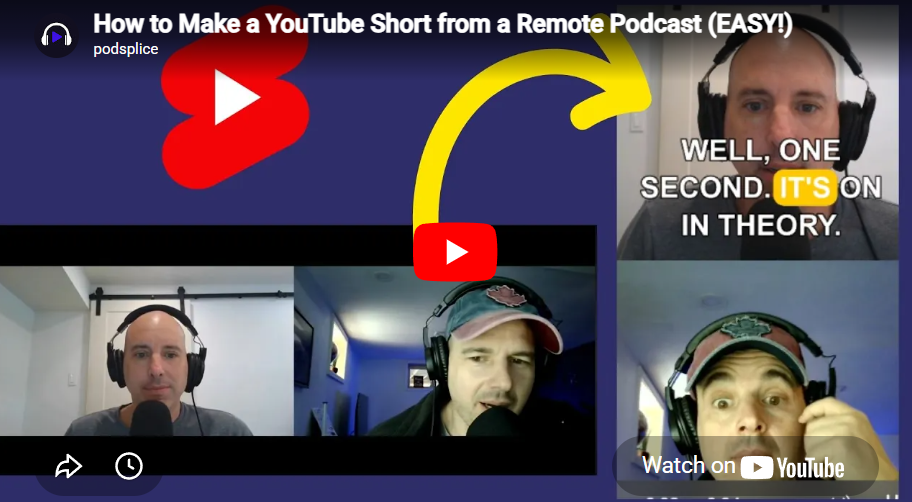
Use our AI text editor to instantly convert long-form videos into engaging vertical Shorts with karaoke subtitles.
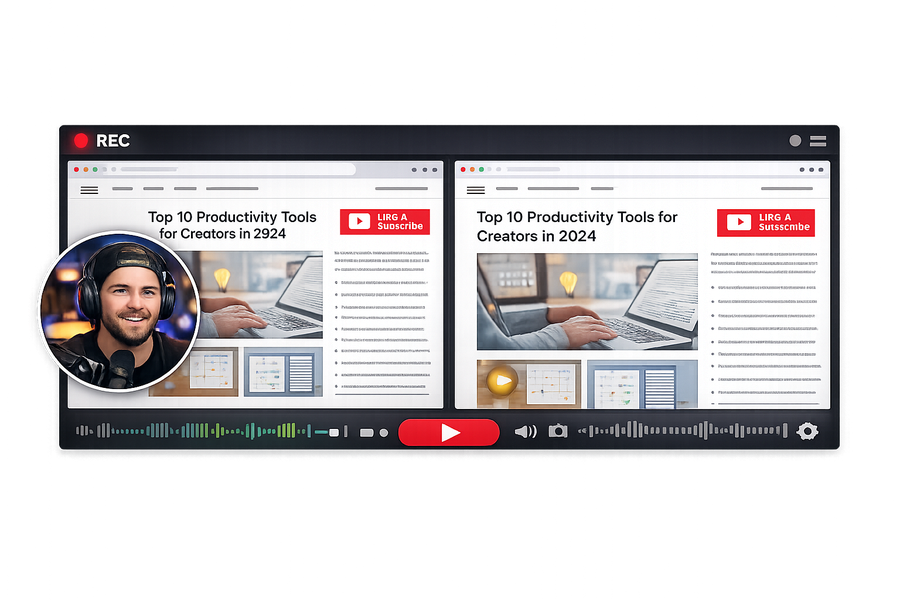
Learn how to use our multi-track video editor to adjust sizing, crop layers, and mix separate audio tracks easily.
Step-by-step guide on recording engaging faceless content like software tutorials or gameplay without being on camera.
Learn how to capture YouTube system audio flawlessly while recording your reaction using your mic and webcam.