
Creating High-Quality Faceless Videos
Ever wanted to make an awesome reaction video but didn't want to show your face?
You're in the right place! 😎
Making faceless reaction videos used to be super complicated. Now, it's basically magic.
Let's dive into exactly how to do it 👇
🚀 The Podsplice Superpower (Why It's Different)
Unlike normal screen recorders that smash everything into one messy video, Podsplice records EVERY piece of your video on its own separate track!
🖥️ Track 1: Your Screen
🎤 Track 2: Your Microphone
🔊 Track 3: System Audio (The YouTube video you're reacting to)
📷 Track 4: Your Camera (Face)
✅ The Faceless Magic Trick
If you want to make a faceless video, here is the big secret:
👉 You can actually record your face normally while you react...
👉 But in the editor, just click the little Eye Button 👁️ next to your camera track!
👉 Poof! Your face disappears, but your amazing voice and reaction stay!
🟢 Step-by-Step: Making Your Faceless Video
1. Record Everything Normally
👉 Go to Podsplice and start recording just like normal.
👉 Capture your screen, your mic, the YouTube sound, and even your camera!
2. Open the Editor
After you finish recording, you'll see all your tracks neatly stacked up.
3. Hide Your Face!
Click the Eye Button on the camera track. Your face is now hidden from the final video! 👻
4. Changed Your Mind? No Problem!
Here is the coolest part: Because you didn't delete the footage, and only hid it...
👉 If you suddenly decide you do want to show your face reacting to a crazy part...
👉 Just click the Eye Button again, and your face comes right back!
✂️ What Else Can You Do?
Podsplice's super-simple editor lets you do even more:
✂️ Cut the boring parts: Just highlight and cut!
⬇️ Download tracks separately: Want to edit in Premiere later? Download just the raw audio or screen files!
💡 Why Make Faceless Videos?
Faceless videos are absolutely perfect for:
🎮 Gaming Channels
📚 Educational content and Tutorials
🕵️ Reacting anonymously to trending clips
😴 Days where you just don't feel like doing your hair!
More from Podsplice
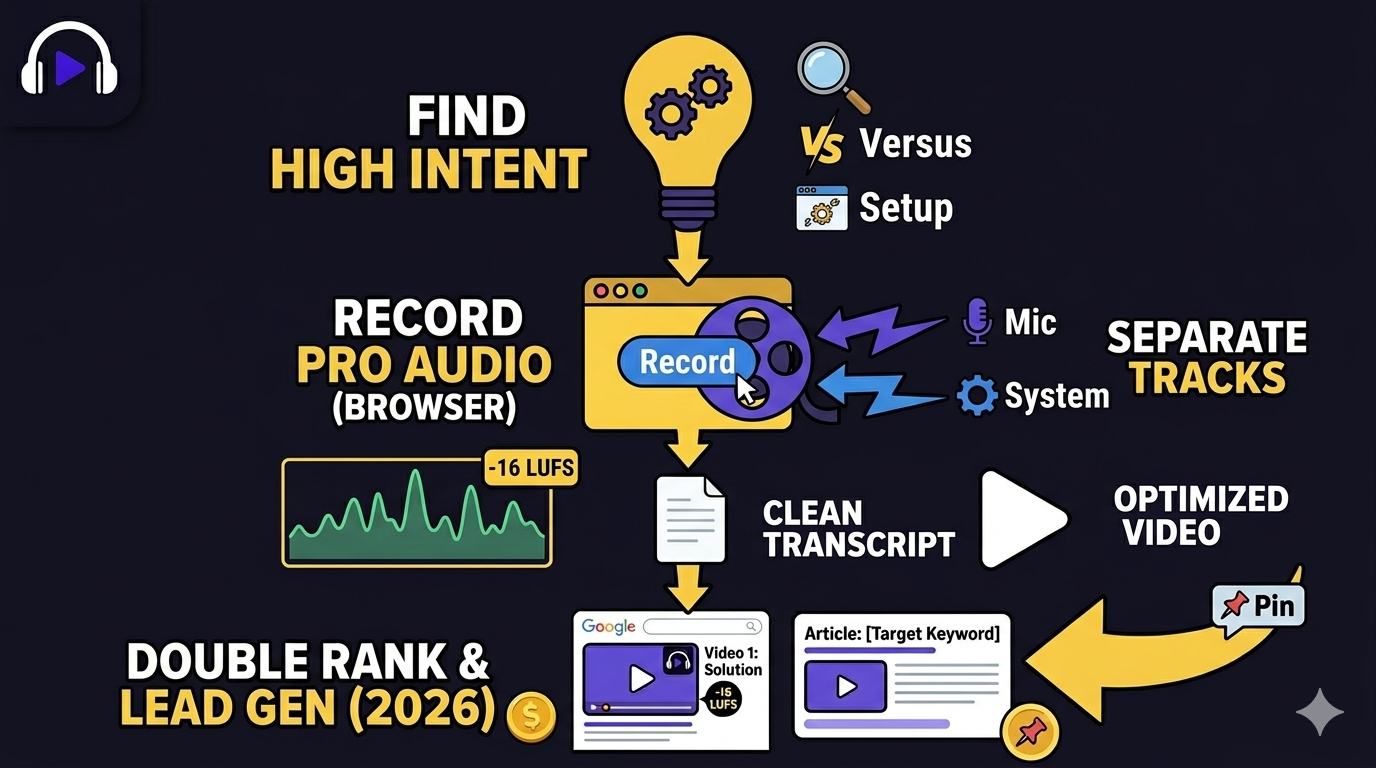
Easiest Way to Earn Money from Affiliate Marketing in 2026 (Faceless Screen Recording Videos)
Blog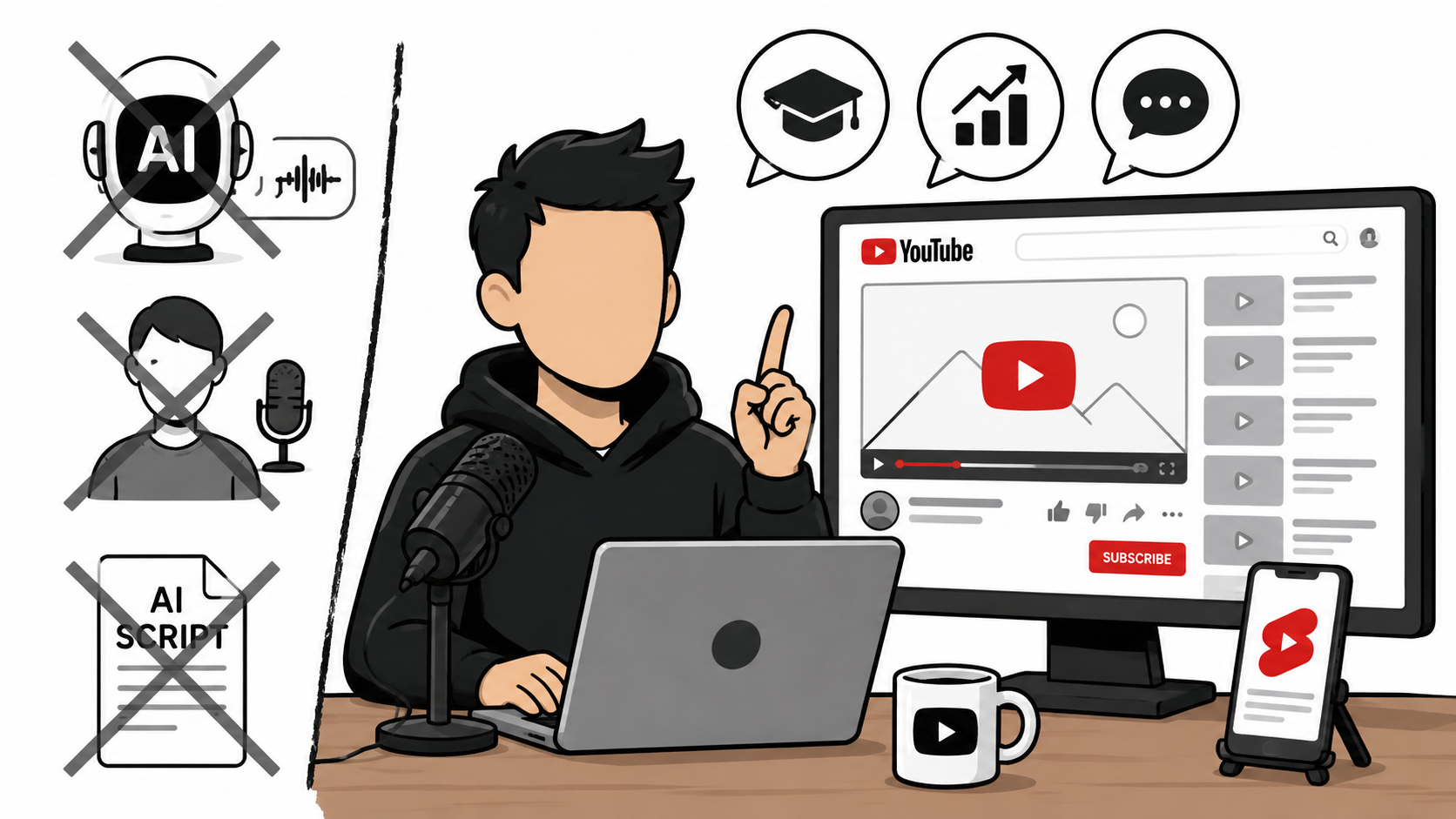
How to Start a Faceless YouTube Channel Without AI (2026 Guide)
Article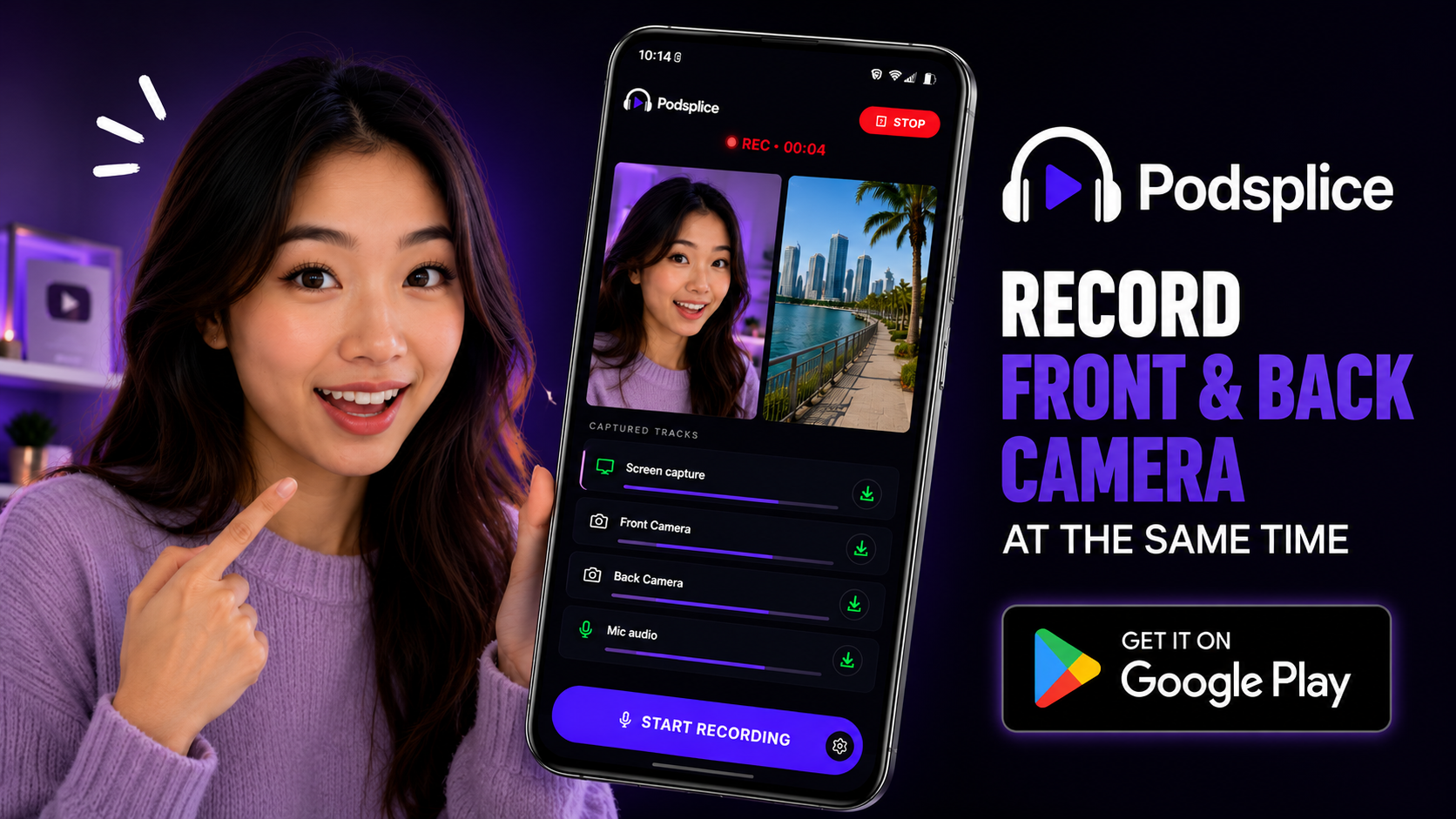
How to Record Front and Back Camera at the Same Time on Android (for Creators)
Article
Why Your Screen Recording Has No Sound (And How to Fix It)
Blog
How to Record Full Screen Webcam and Screen Share at the Same Time
Article
Start Recording in Seconds
No downloads. No setup. Just hit record and share your story with the world in studio quality.
Looking for a Screen Recorder or Remote Recording tool?