
01
Create or organize the media
Record, edit, subtitle, or process podcasts, interviews, shorts, b-roll, images, and reusable assets in Podsplice.
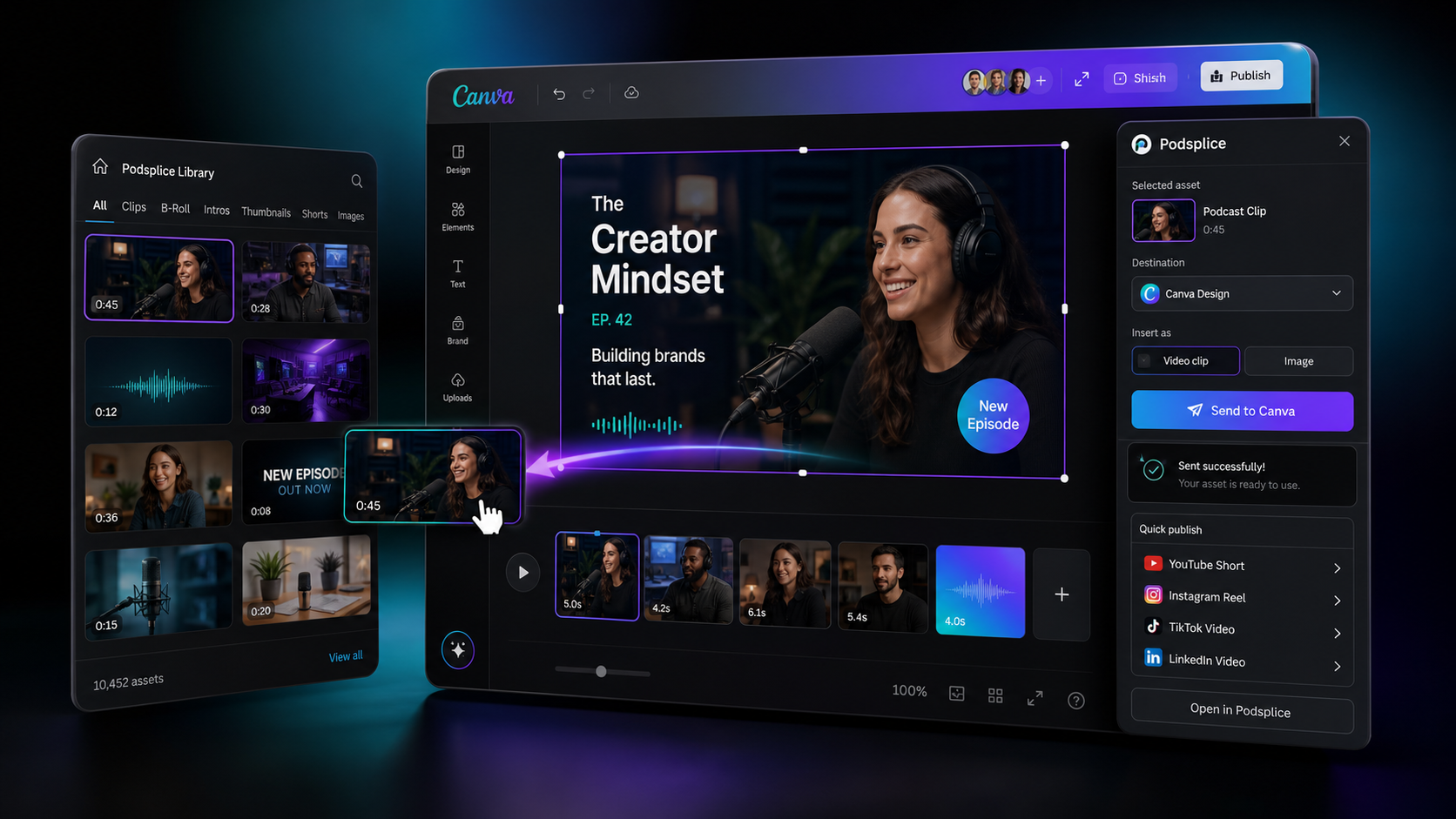
Send clips, podcasts, videos, shorts, b-roll, intros, images, and designs between Podsplice and Canva, then turn finished creative into social posts without slowing down the workflow.
Creative workflows
Podsplice keeps recordings, clips, and publishing organized. Canva gives you a powerful design surface. Together, they make finished content easier to create and distribute.
Podsplice app in Canva
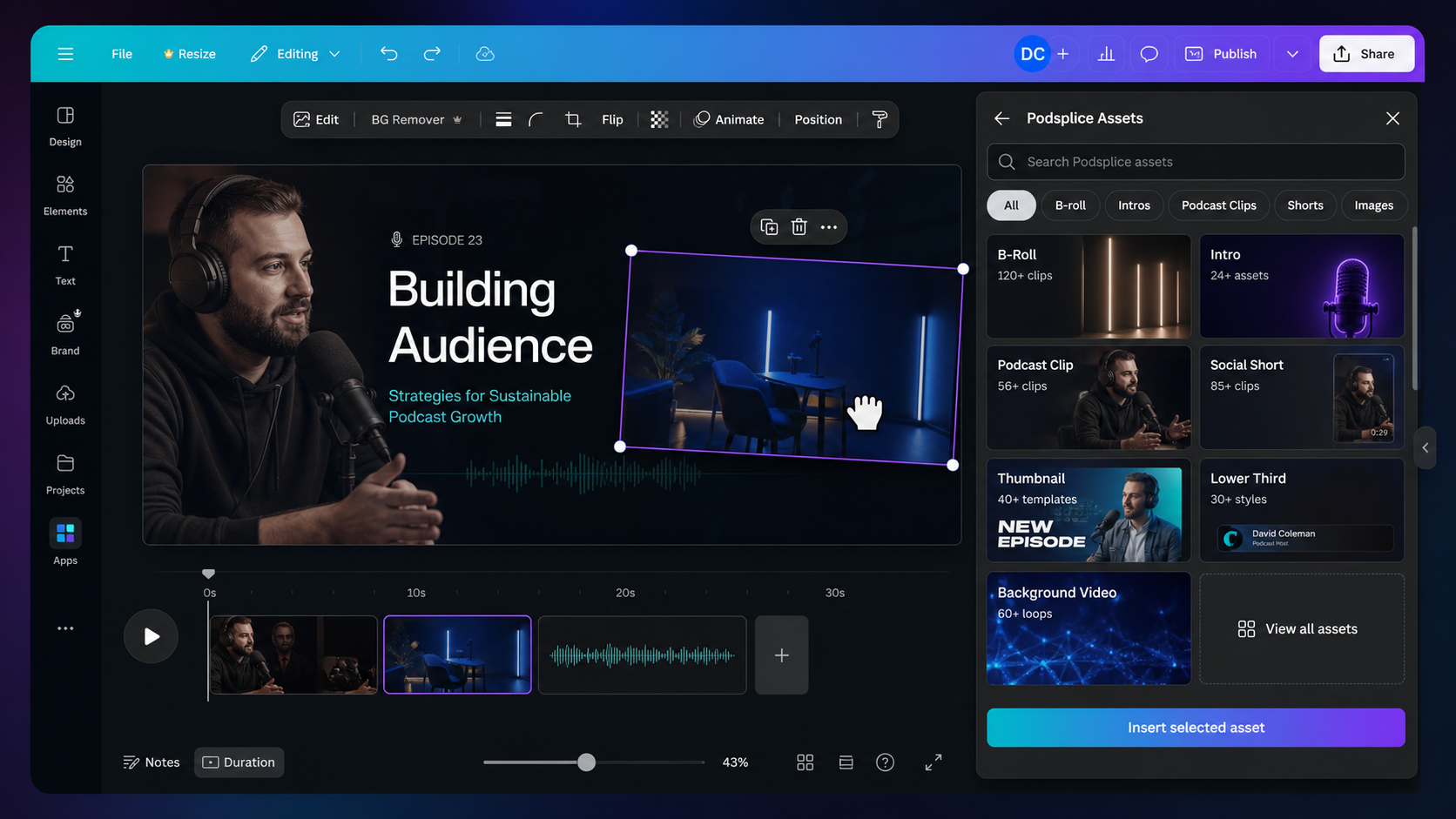
Browse podcast clips, b-roll, intros, thumbnails, shorts, images, lower thirds, and background videos from the Podsplice app while building a Canva design.
How it works
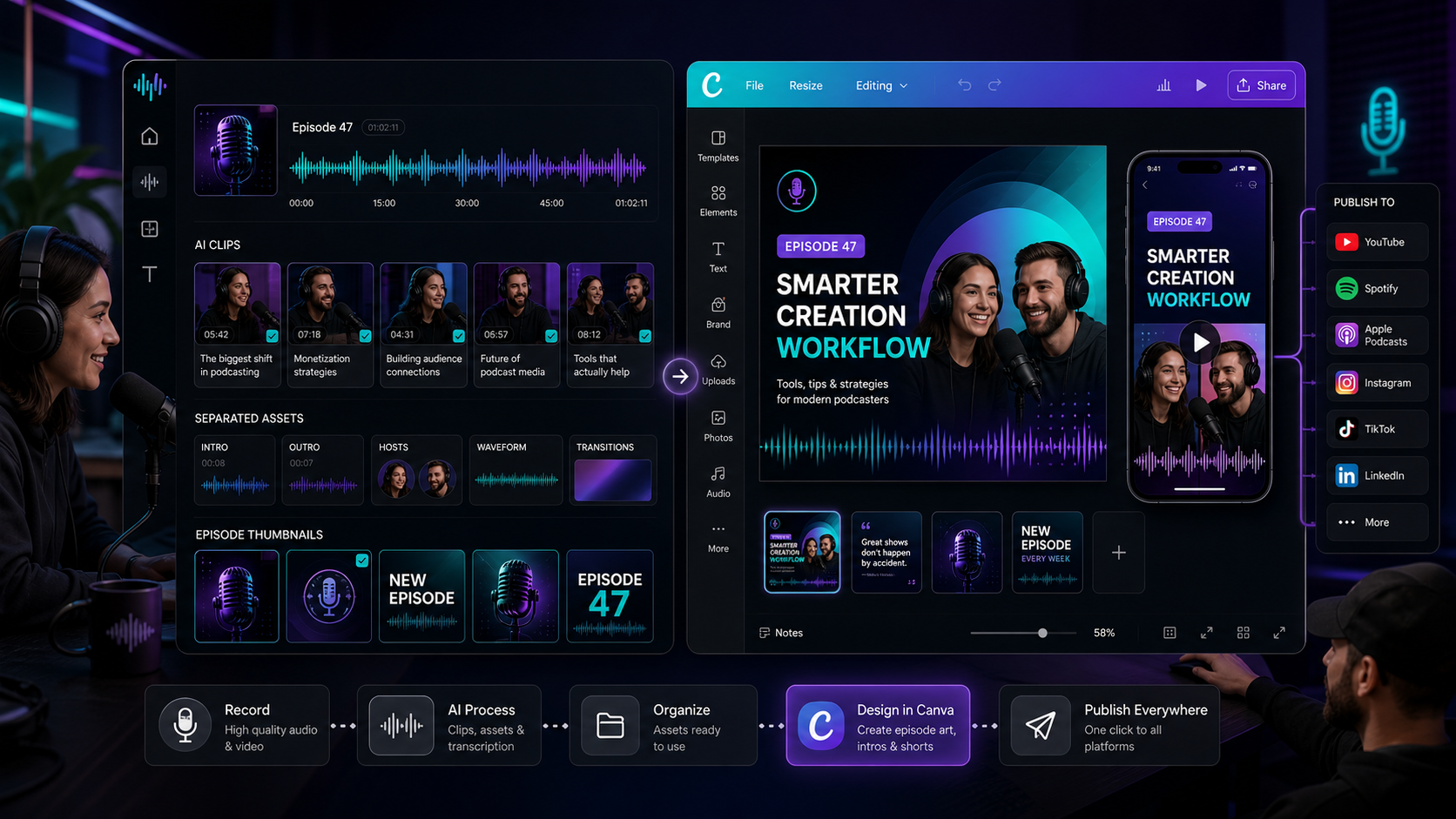
Use Podsplice for capture, editing, assets, and publishing. Use Canva when the content needs more visual design power.
Record, edit, subtitle, or process podcasts, interviews, shorts, b-roll, images, and reusable assets in Podsplice.
Use Canva's design and editing tools to turn those assets into polished episode art, thumbnails, posts, intros, or social videos.
Bring the finished creative back into Podsplice, prepare the post, and publish to supported connected social channels.
Made for reusable creative assets
A podcast clip can become an episode graphic. A short can become a Canva post. A Canva design can become a published campaign. The value is the loop between organized media and polished creative.
Use clips, b-roll, intros, thumbnails, images, and short-form videos from Podsplice while designing in Canva.
Lean on Canva for branded layouts, graphics, templates, editing, social post designs, and fast visual polish.
Package episodes into clips, cover art, vertical videos, quote cards, b-roll scenes, and promotional assets.
After the creative is ready, use Podsplice to prep post details and publish to the supported channels you connected.
Use cases
Canva and Podsplice work best together when content needs both media production and polished design before it goes public.
Create social media posts in Canva, add video and image assets from Podsplice, then use the Podsplice publishing flow to send the finished creative to supported connected platforms.
Start the Workflow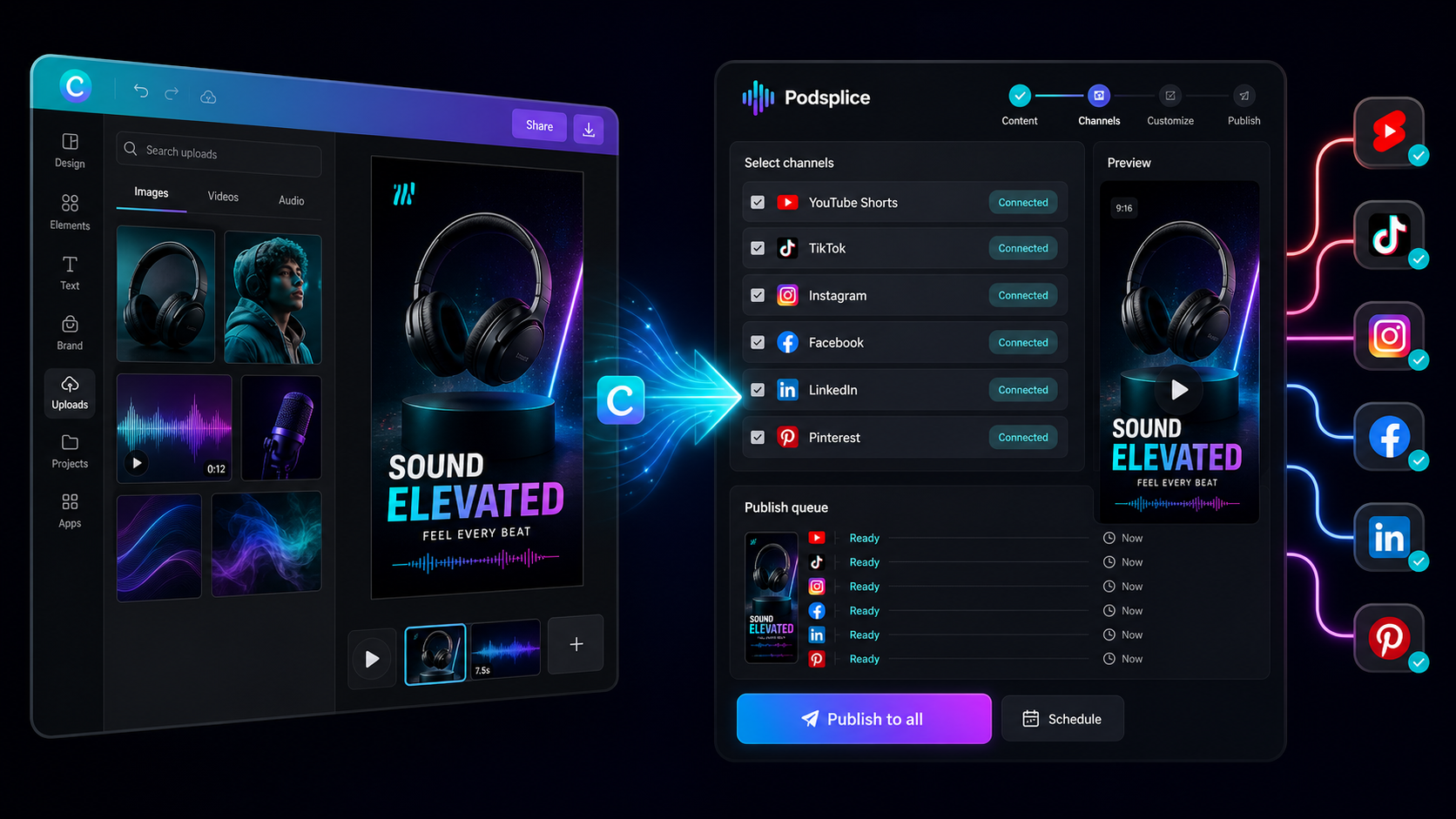
Move podcasts, videos, shorts, and assets into Canva when the creative needs a more visual design pass.
Create thumbnails, episode art, b-roll layouts, social posts, intros, and reusable templates with the source media nearby.
Bring the finished creative back into the Podsplice publishing workflow and post to supported connected channels.
Canva FAQ
The practical details behind the Podsplice and Canva creative workflow.
Send recordings, clips, b-roll, designs, and social posts between Podsplice and Canva, then publish finished content faster.
Start Creating