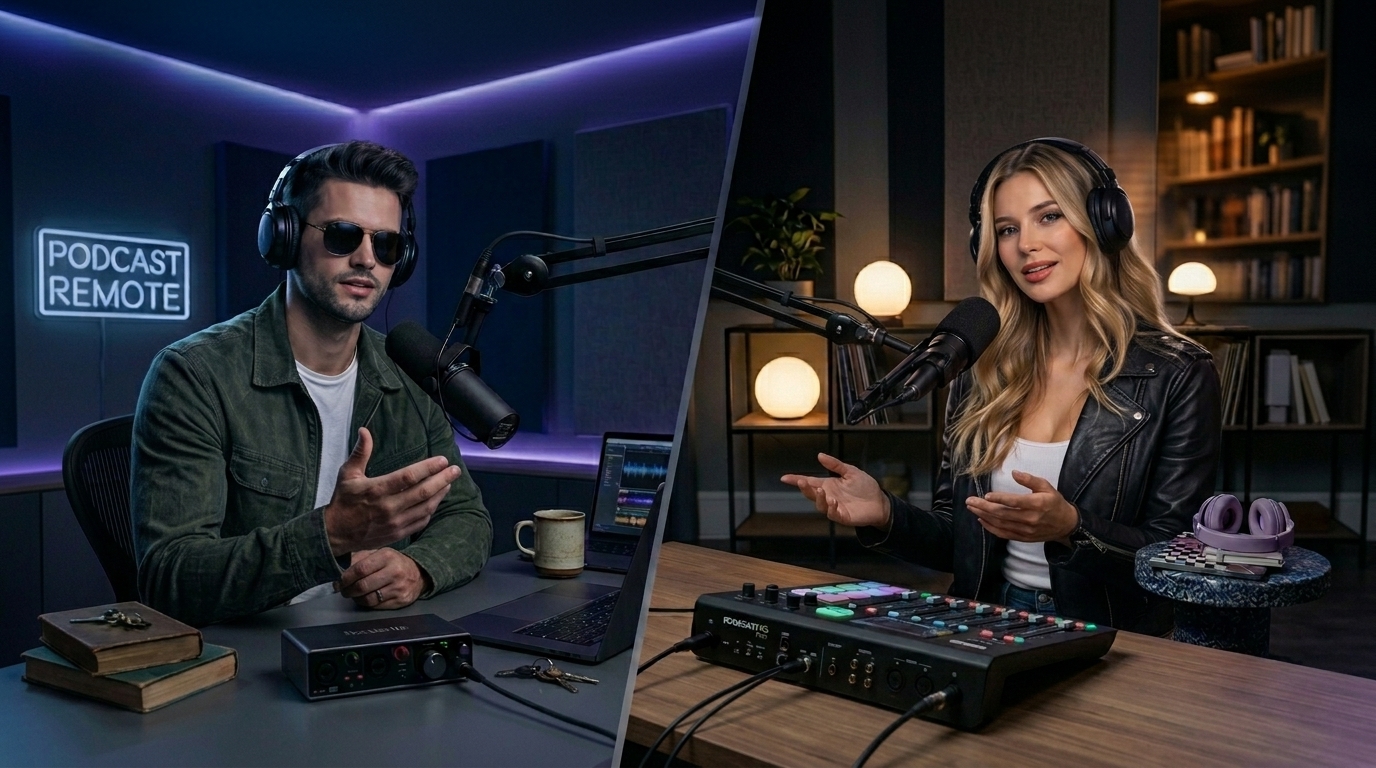
The Browser-Based Studio for Pro Video & Audio Podcasts.
Stop fighting with laggy internet calls and audio drift. Podsplice is the all-in-one studio for high-fidelity remote interviews and solo shows. Record crystal-clear 4K video and 192kbps audio that stays perfectly in sync, then use our one-click tools to boost, normalize, and repurpose your content—all without leaving your browser.
Studio-Grade "Double-Ender" Recording
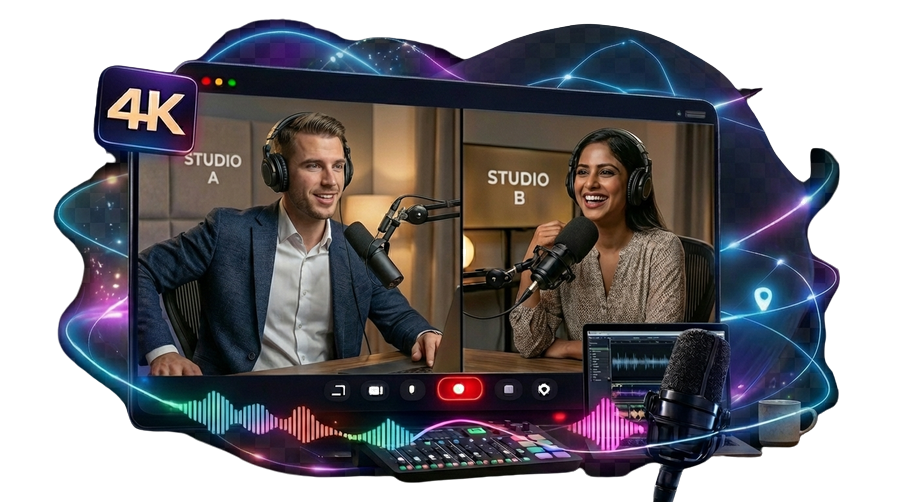
Ditch the compressed sound of standard internet calls. Podsplice records every guest locally on their own computer, then syncs the files in the cloud. You get flawless 4K video and studio-grade 192kbps audio that is immune to Wi-Fi glitches or "robot voices".
Frame-Perfect Sync (No More Audio Drift)
Unlike desktop apps that drop frames when your CPU gets hot, Podsplice is "browser-native.". It anchors every track to the browser's master media clock, ensuring your lips and your voice stay perfectly aligned from the first second to the last.
Easy Audio Boosting & LUFS Normalization
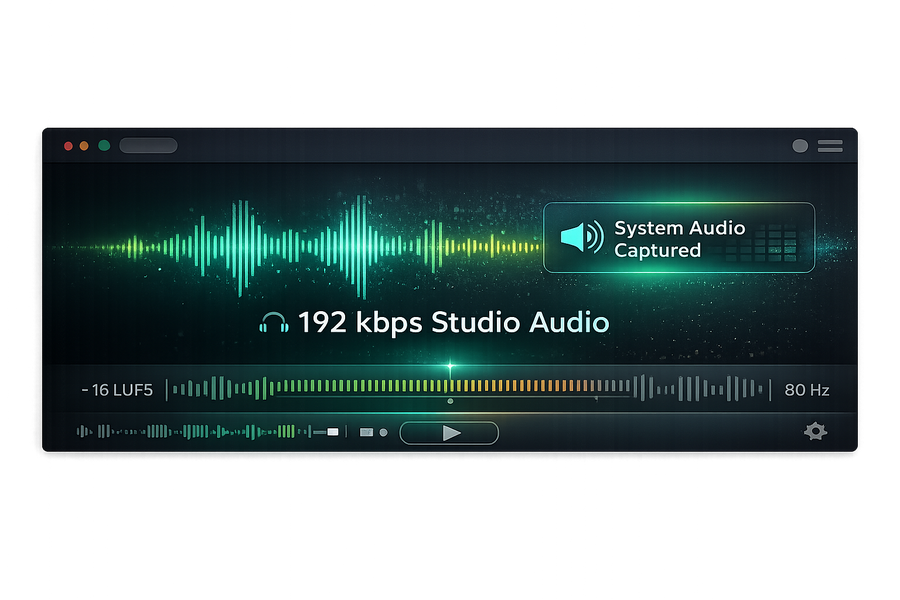
Eliminate quiet recordings forever. Use our simple "light switch" interface to boost your voice or system audio tracks independently. Podsplice automatically normalizes your final export to the professional -16 LUFS standard, ensuring your show sounds perfectly leveled for Spotify, Apple Podcasts, and YouTube.
Multi-Track Flexibility & Easy Exporting
We record your webcam, mic, screen, and system audio on isolated tracks so you can adjust a guest's volume or mute background noise in post-production. Export using our simple templates or download the raw tracks for further editing in your favorite pro software.
One-Click Shorts & AI Subtitles
Instantly turn long-form episodes into vertical YouTube Shorts or TikToks. Our "Stacked" layout puts you and your guest in the perfect frame, while our AI "Karaoke" engine adds high-engagement subtitles that highlight every word as you speak.
Grow your channel with Podsplice
Join the Podsplice community and start publishing professional content directly to your YouTube channel.
Podsplice Podcast FAQ: Remote Recording & Mastering
Can I record both audio and video podcasts on Podsplice?
Yes. Podsplice is built for the "Video First" era. You can record high-definition 4K video while simultaneously capturing studio-quality 192kbps audio. This ensures you have the highest quality assets for both YouTube and traditional audio-only platforms.
How do I make sure my podcast audio isn't too quiet?
The most common cause of quiet audio is "Audio Smushing"—when software mashes all sounds into one track. Podsplice records your mic and computer sounds on isolated tracks, giving you the "Post-Production Insurance" to boost your volume without distorting the sound.
What is LUFS and how does Podsplice handle it?
LUFS measures average loudness. To avoid being digitally crushed by YouTube's algorithm or sounding too quiet on Spotify, your podcast needs to hit -16 LUFS. Podsplice automatically normalizes your audio to this "Goldilocks Zone" during export so you don't need a sound engineering degree to sound like a pro.
What is a "Double-Ender" and why is it better for remote guests?
Most tools record over the internet, meaning a Wi-Fi blip ruins your show. A "Double-Ender" records each person locally on their own hard drive. Podsplice captures these local files in high-definition and syncs them in the cloud, giving you "Coffee-Shop Wi-Fi" convenience with "Studio-Grade" results.
Why do my long podcasts always have "Audio Drift"?
Audio drift happens when video frames are dropped during recording (VFR), but the audio keeps going at a constant speed. Because Podsplice lives inside the browser, it uses a "Unified Media Clock" that assigns a universal timestamp to every frame and millisecond of audio at the moment of capture, locking them in perfect sync forever.
Do my podcast guests need to download software or drivers?
No. Podsplice is entirely browser-based. You simply send your guest a link; they join via Chrome, Edge, or Safari, and the browser safely handles all security and audio routing. No admin passwords or complex installations are required.
Can I record my reaction to a video with a remote guest?
Yes. You and your guest can watch the same YouTube clip or screen-share in real-time. Podsplice captures the internal "System Audio" (the sound of the video) on a separate track so it doesn't drown out your voices or cause echoes.
Can I edit my Podsplice recordings in other software?
Absolutely. While we offer simple built-in editing, we also provide multi-track exporting. You can download isolated files for your mic, guest, and screen to perform a deep-dive edit in tools like DaVinci Resolve or Premiere Pro.
How do I turn a 40-minute interview into social media highlights?
Podsplice has built-in vertical repurposing. You can clip the "gold moments" and instantly flip them into a 9:16 "Stacked" layout. The software also uses AI to transcribe your audio and generate "Karaoke-style" subtitles that highlight words as you speak to maximize viewer retention.
What is the benefit of the "192kbps Gold Standard"?
Most free recorders use 128kbps, which "squeezes" your voice, making it sound thin or metallic. Podsplice uses a "Firehose" 192kbps bitrate, which captures the full warmth, bass, and crisp clarity of your voice, making it sound like you're in the room with your audience.