
Mastering the Podsplice Multi-Track Video Editor
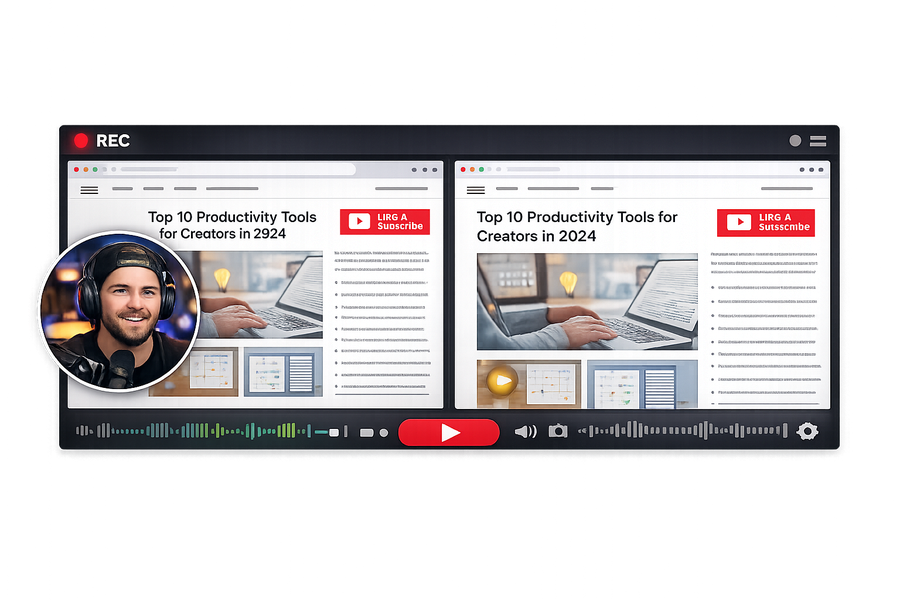
Ever recorded a video and thought: "Oh no, I babbled for the first 30 seconds!"
Don't worry! You don't need a crazy complicated software like Premiere Pro to fix it. With the new Podsplice AI Video Editor, you can cut, edit, and adjust your multi-track recordings right in your browser! 🚀
🔍 Meet Your New Editor
Once you finish recording, you'll be dropped into the editor. It's super easy to understand:
📺 Top Section: The video preview showing exactly what your final video looks like.
⏱️ Bottom Section: The timeline showing all your separate tracks.
🎛️ The 4 Magic Tracks
Podsplice is special. Instead of merging everything into one video right away, it gives you 4 separate tracks:
🖥️ Track 1: Screen Recording (What you were showing)
🎤 Track 2: Microphone (Your voice)
🔊 Track 3: System Audio (The YouTube video or game you were reacting to)
📷 Track 4: Webcam (Your face)
🟢 Step-by-Step: How to Edit
1. Fix the "Babbling" (Cutting clips) ✂️
Did you mess up the intro? Easy!
👉 Click and drag over the part of the timeline you want to remove.
👉 Click the "Cut the Selection" button.
👉 Boom! The bad part is gone forever.
2. The "Faceless" Toggle 👁️
Don't want to show your face in this video?
👉 Find the Webcam track.
👉 Click the little Eyeball Button to hide your face instantly.
👉 You can always click it again to bring your face back!
3. Save and Export 🎬
When you're happy with your masterpiece:
👉 Click Save and Export.
👉 Podsplice will stitch all tracks together flawlessly, and you can upload it straight to YouTube!
🧠 Advanced Move: Download Separate Tracks
Are you a professional editor? You can actually download EVERY track completely separately using the download buttons on the timeline. Then, drag them straight into Final Cut or Premiere!
More from Podsplice
How to Create a Coaching Booking Page in 5 Minutes (Step-by-Step with Calendar)
Article
How to Make Your Screen Recordings Sound Incredible (The Easy Way)
Article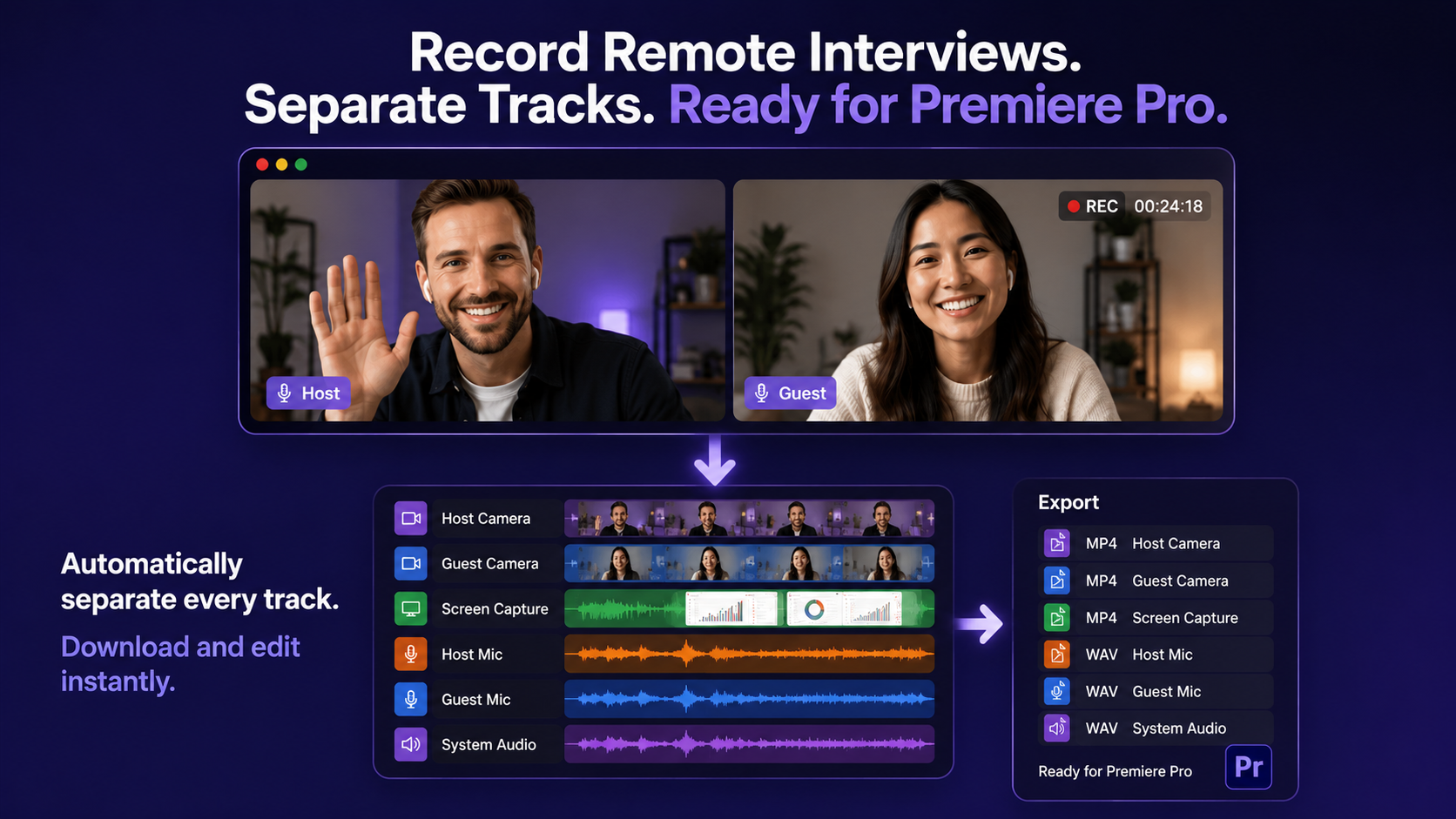
Best Way to Record Remote Interviews With Separate Tracks for Premiere Pro
Article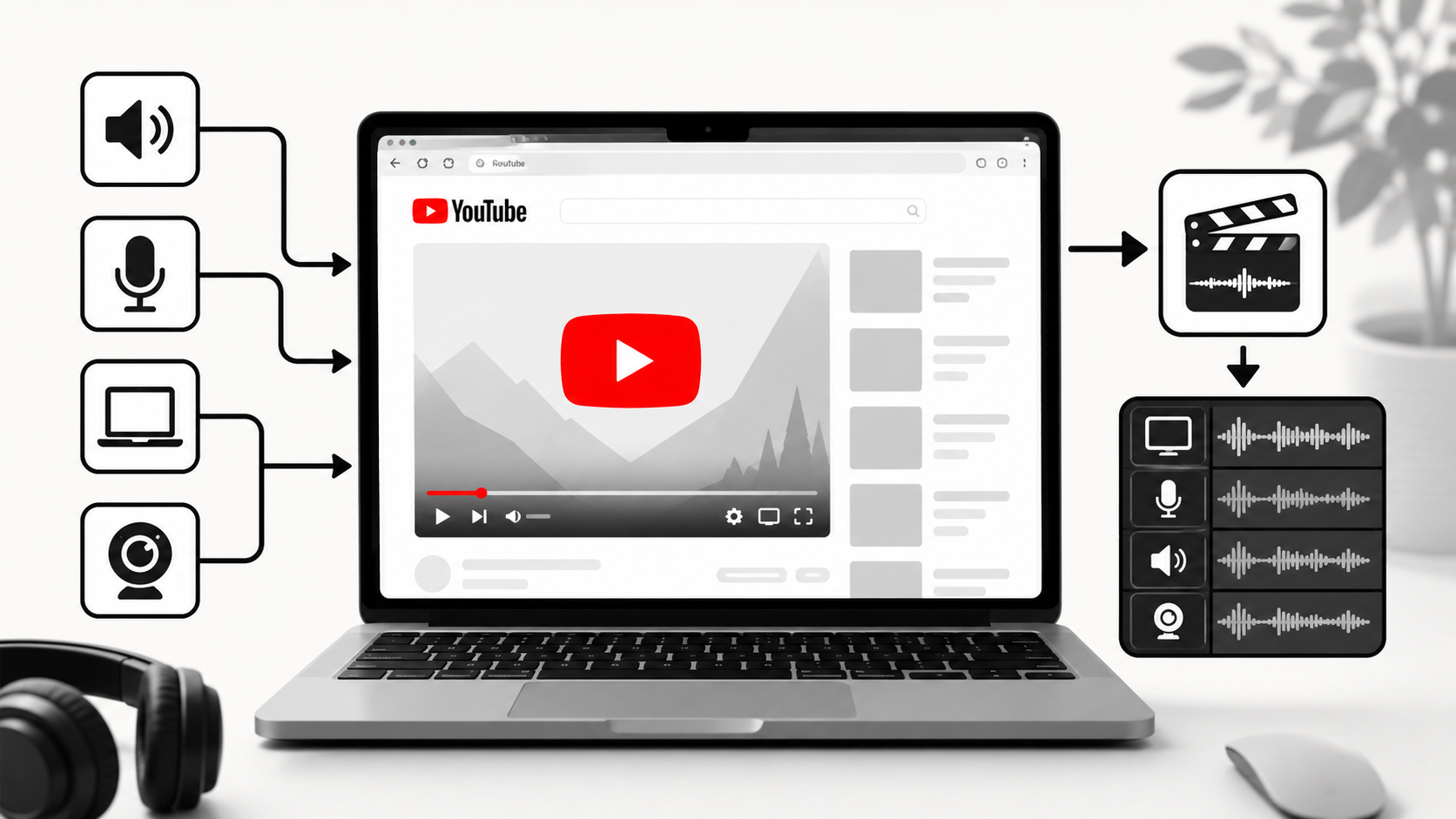
How to Record YouTube Audio on Mac (The Easiest Way in 2026)
Article
How to Record YouTube Audio in a Reaction Video on Mac (Without QuickTime or Plugins)
Blog
Start Recording in Seconds
No downloads. No setup. Just hit record and share your story with the world in studio quality.
Looking for a Screen Recorder or Remote Recording tool?