Create 4K Remote Video Podcasts, Screenshares, and Shorts.FAST & EASY
Record, Edit, Publish — all in one click. Studio-quality recording directly in the browser.
Used for podcasts, YouTube videos, online courses, and short-form content
All the tools to grow your show
A complete creator suite designed for speed and quality. Simple enough for beginners, powerful enough for pros.
Recording
Capture every detail with studio-quality precision.
- Screenshare
- Reaction videos (with YouTube Audio)
- Repurposing - Shorts
- Podcasts - Video and Audio
Editing
Powerful tools to shape your story, fast.
- Easy Templates
- AI editor - timeline Editor
- Multi-track Editor
- Cloud Processing
- Connects to Canva
Publish
Reach your audience where they are.
- Social Media Channels
- Direct posting to YouTube
Grow your channel with Podsplice
Join the Podsplice community and start publishing professional content directly to your YouTube channel.
Latest Additions
Our newest articles and blog posts.
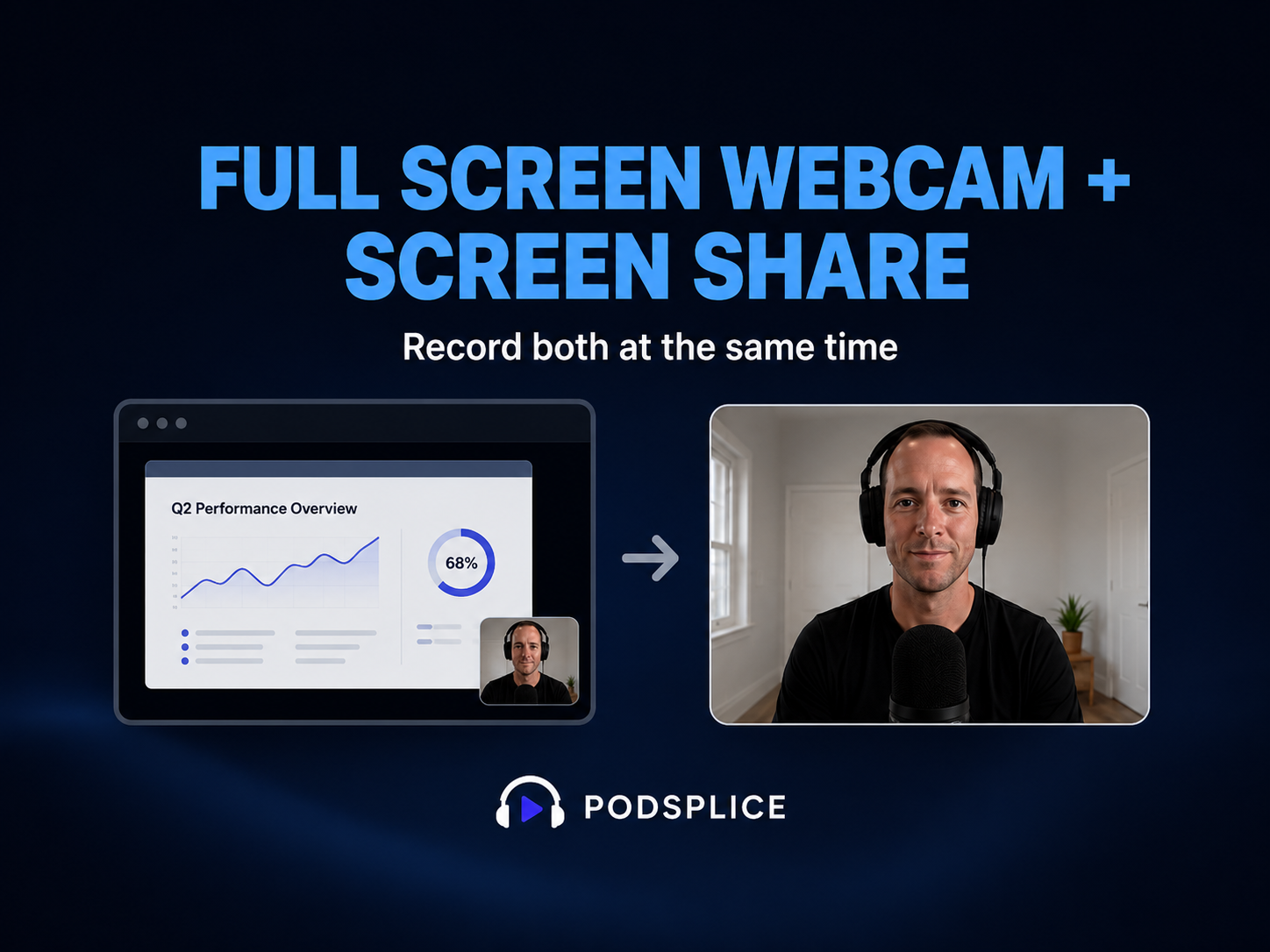
How to Record Full Screen Webcam and Screen Share at the Same Time
Sometimes you want to record your screen, but you also want to show your face clearly. For example, you may want to start a video by talking full screen, then switch to your screen share, then come back to your face again when you explain something important.
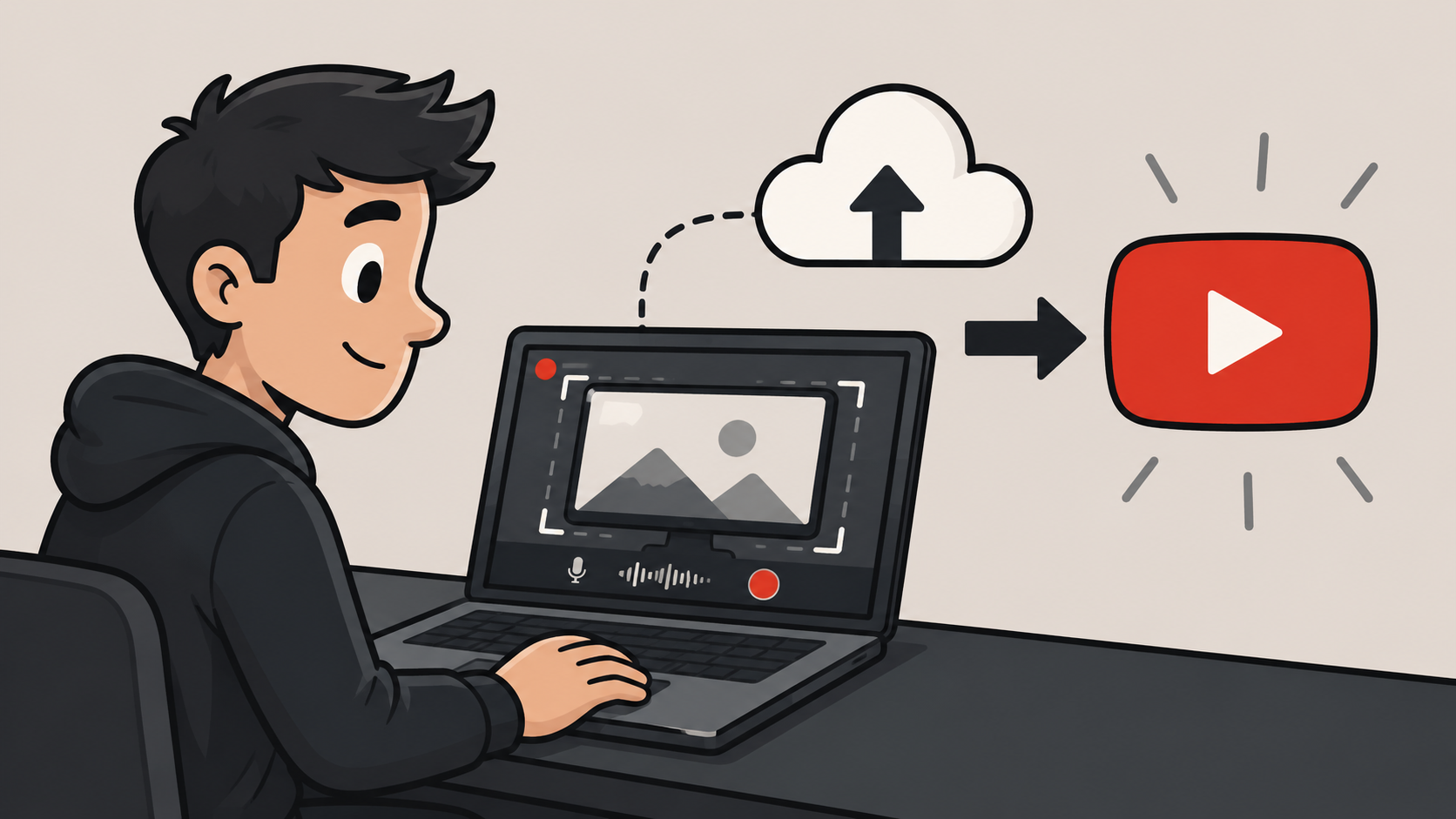
Screen Recording Software That Posts Directly to YouTube
Most screen recorders stop after recording. Podsplice lets you record your screen, make quick edits in the cloud, publish directly to YouTube, create Shorts automatically, and post to social media without juggling files or extra software.
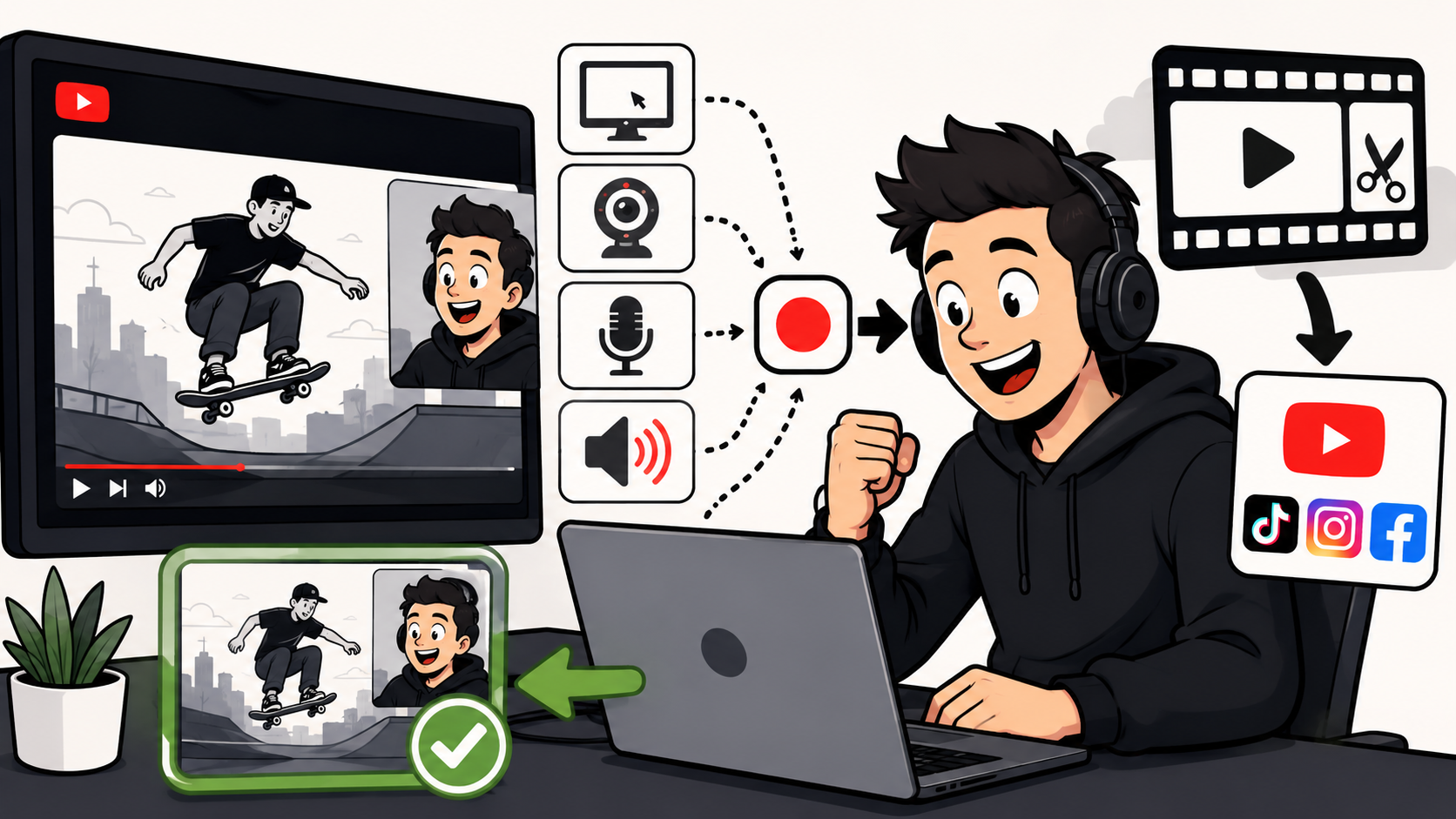
How to Make Reaction Videos on a Mac: The Easiest Way in 2026
Making reaction videos on a Mac sounds easy until you try recording system audio. This guide compares OBS, QuickTime + BlackHole, and Podsplice, and shows why many creators use Podsplice to record, edit, create Shorts, and publish reaction videos faster.