
The Easiest BlackHole Alternative for Recording System Audio on Mac
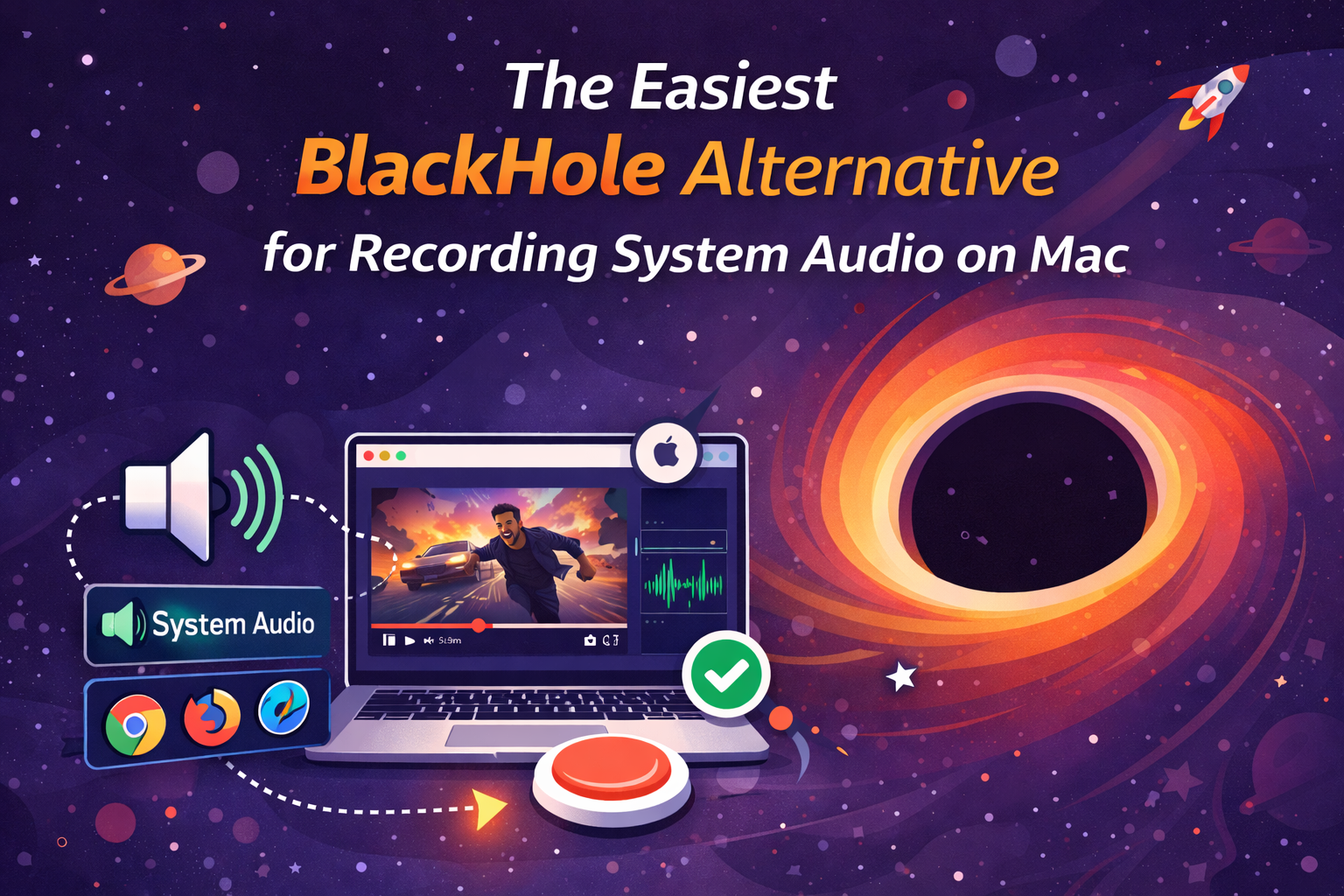
If you’re trying to record system audio on Mac (the sound from a YouTube tab, Zoom, Spotify, a webinar), skip drivers and virtual devices. Use Podsplice. It runs in Safari, Chrome, Edge, Firefox, Brave, Arc and records mic, camera, screen, and system audio as separate, synced tracks—no BlackHole, no Audio MIDI Setup, no plugins.
Try Podsplice now
Why BlackHole Feels Like a Detour
BlackHole works, but it’s slow and fragile:
You have to install a virtual audio driver and dig into Audio MIDI Setup.
Create Aggregate and Multi-Output devices, order outputs just right, and switch outputs every time you record.
One misclick and the YouTube audio never gets captured.
You still end up with mixed audio in QuickTime (no separate tracks), which makes editing harder.
Add a webcam? External mic? Now you’re chasing sync.
If you just want clean system audio + your voice in a reaction or tutorial, this setup is overkill.
How Podsplice Replaces BlackHole
Podsplice records locally—right in the browser—and keeps everything in sync:
🎤 Mic (your commentary)
📷 Camera (your face)
🖥️ Screen (what you’re showing)
🔊 System audio (YouTube, Zoom, Spotify, games)
Each feed is separate and auto-synced, so you can balance levels later without re-recording. No drivers, no command-line, no scene graphs, no wondering why QuickTime can’t hear your tab.
New to reactions? Here’s the full workflow: How to make a reaction video
Why “Browser-Based” Wins on macOS
No downloads or drivers — open a tab and record.
Fast and lightweight — frees up your Mac for the actual capture.
Consistent — same workflow on MacBook, iMac, Mac mini.
Local recording — brief Wi-Fi hiccups don’t ruin quality.
If you’ve been burned by silent captures, this explains it in detail:
Why your screen recording has no sound (and how to fix it)
Example: YouTube Reaction on Mac (No Plugins)
Open YouTube in Safari or Chrome and queue the clip.
Open Podsplice in another tab.
Select mic + camera and enable Share system audio.
Record your reaction. Stop, save, and export four synced tracks.
Need Mac-specific tips?
How to record YouTube audio in a reaction video on Mac (without QuickTime or plugins)
Bottom Line
BlackHole + QuickTime is a workaround. It’s fiddly, slower, and fragile.
Podsplice is the alternative: system audio, mic, screen, and camera—captured locally, on separate tracks, in any modern browser, with zero setup.

About the Author
Andrew Best
Andrew Best is an entrepreneur, educator, and AI expert with over two decades in online marketing. He co-founded China232 — a podcast and learning platform with 10M+ downloads — and later 88Herbs, a premium supplement company. Andrew now focuses on helping creators leverage AI for podcasting, screen recording, and YouTube content through Podsplice.
More from Podsplice
Repurposing: Turn Long Podcasts into Viral Shorts
Article
Mastering the Podsplice Multi-Track Video Editor
Article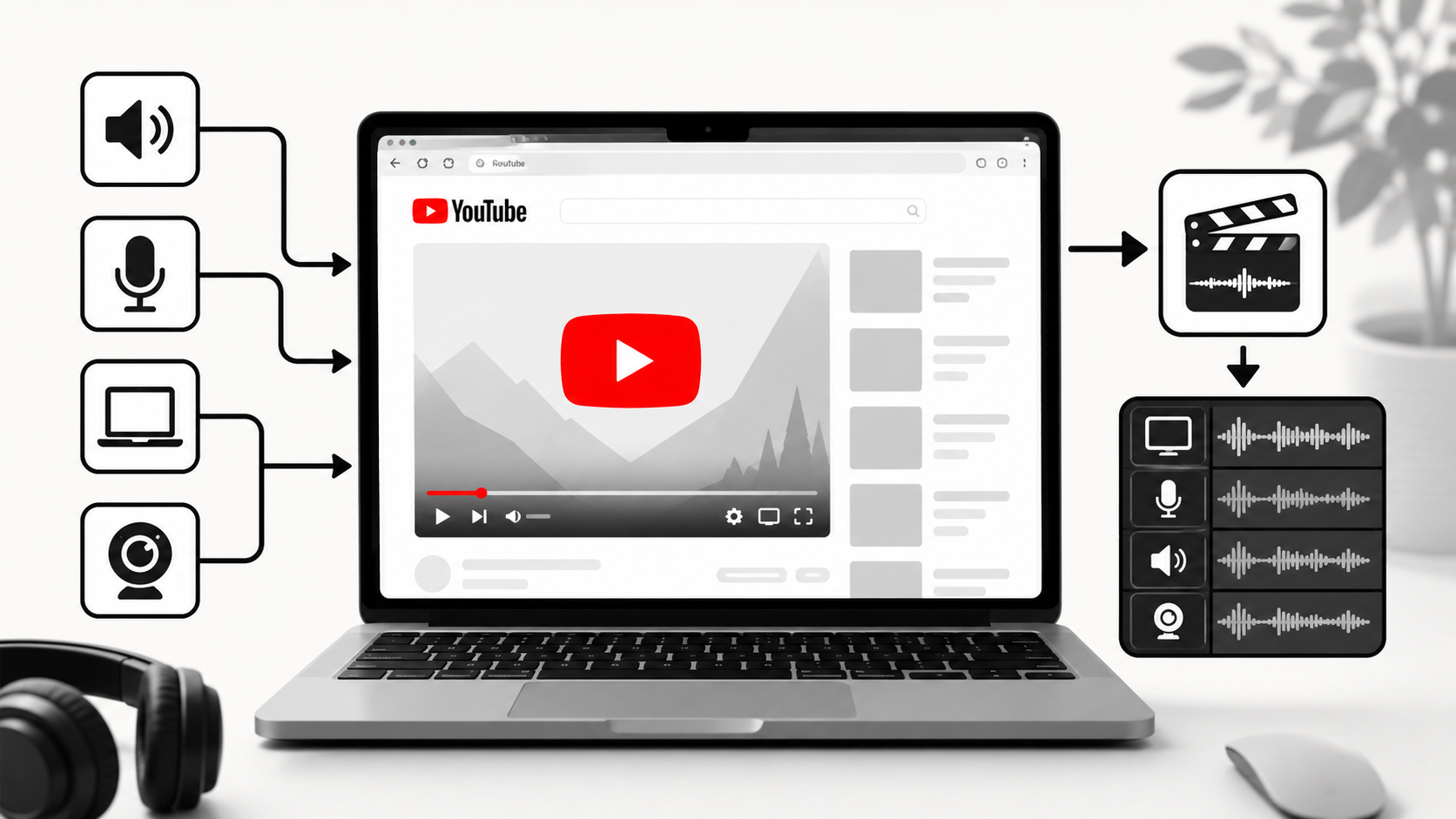
How to Record YouTube Audio on Mac (The Easiest Way in 2026)
Article
Screen Recording Software for Shopify: The Easiest Way to Get Free Organic Traffic & Sales
Article
How to Record a Reaction Video on Windows (With YouTube Sound)
Blog
Start Recording in Seconds
No downloads. No setup. Just hit record and share your story with the world in studio quality.
Looking for a Screen Recorder or Remote Recording tool?